


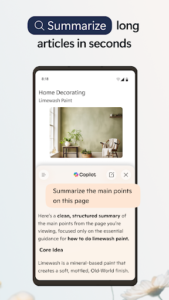


Microsoft Edge is a web browser designed to streamline your online activities and enhance productivity. It integrates Copilot directly, allowing you to search, browse, and explore with AI assistance to make decisions more quickly. Copilot can summarize lengthy articles and videos, answer questions about content you’re viewing, and even help turn your ideas into drafts or images, all without interrupting your workflow.
AI-Powered Browsing with Copilot
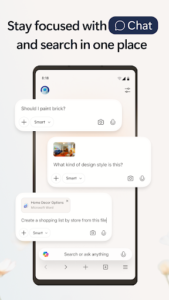
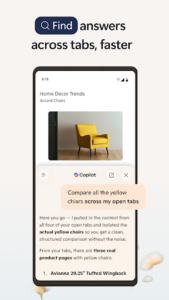
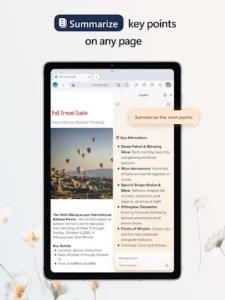
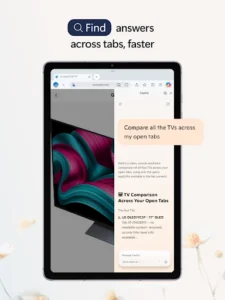
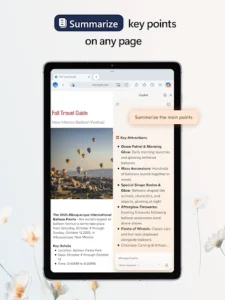
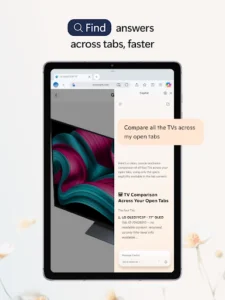
The app incorporates Copilot to assist with various browsing tasks. This feature aims to help users find information, make sense of it, and turn ideas into action more efficiently. Copilot supports searching, browsing, and exploring, contributing to faster decision-making. It can summarize lengthy articles, videos, and PDFs, provide answers related to the content you are currently viewing, and help generate drafts or images from your ideas. The new tab page, inspired by Copilot, automatically routes your queries to search, chat, or the web. Copilot can also understand context across your open tabs, facilitating comparison of information, summarization, brainstorming, and connecting ideas across different pages. With its Vision capability, Copilot can scan and analyze content on your screen to brainstorm alongside you. It adapts to provide quick answers or deeper insights as needed.
Streamlined Productivity and Organization
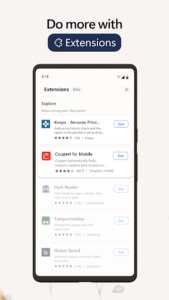
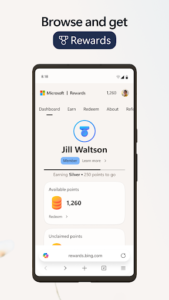
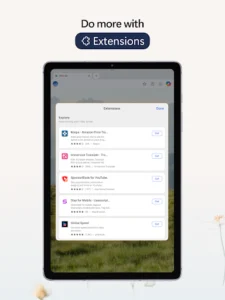
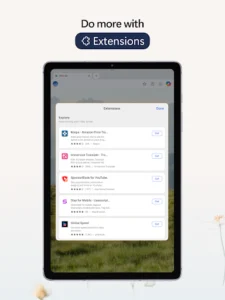
Microsoft Edge functions as a fast and reliable web browser intended to help users stay focused and accomplish tasks. It offers a Read Aloud feature that allows you to listen to articles and pages using natural-sounding voices in your preferred language, enabling multitasking. To maintain an organized browsing experience, you can group tabs by topic with a single click. The app also supports customization through extensions, which can assist with activities like shopping or blocking distractions. Additionally, it provides page translation as you browse the web. Using Microsoft Edge can also help you earn Microsoft Rewards points at a faster rate.
Built-in Security and Privacy Features
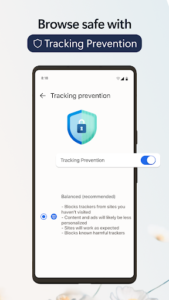
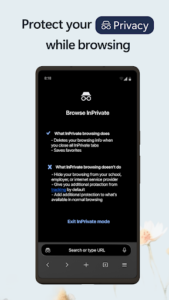
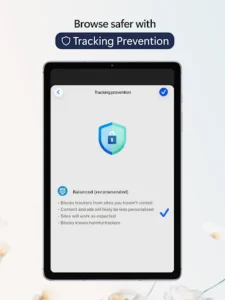
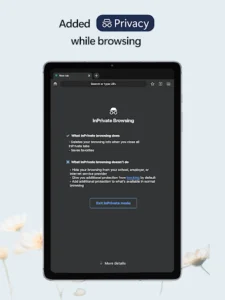
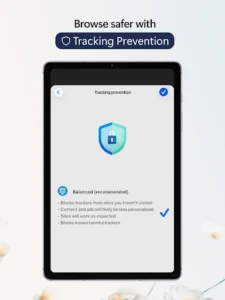
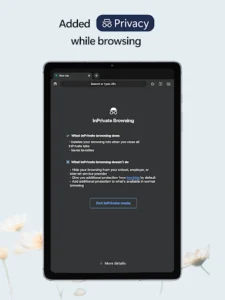
For online safety, Microsoft Edge includes several integrated tools. Tracking Prevention helps safeguard your personal data while browsing. When you desire additional privacy, switching to InPrivate mode keeps your browsing history protected. The app also features password monitoring, which alerts you if any of your saved credentials are found on the dark web. AdBlock Plus is included to block unwanted advertisements and reduce distractions. Furthermore, Microsoft Defender SmartScreen is integrated to offer protection from potential online threats.














Write a review